
Prairie to Peaks Mail & Shipping Solutions
Mailroom and shipping workflows that fit the way your work actually moves.
Review the equipment, supplies, and process steps that affect your daily mail, shipping, statements, notices, invoices, labels, and packages.
Prairie to Peaks helps businesses look at the full path from data and printing to inserting, sealing, opening, packaging, shipping, and final release.
Review
Find where the work slows down.
Reduce
Cut repeated hand work.
Match
Fit options to real volume.
Move
Keep daily work flowing.
What This Solves
Mailroom problems usually show up as wasted time, extra handling, and preventable mistakes.
When mail, shipping, inserting, sealing, addressing, labeling, or supply handling is done the hard way, your team spends more time touching the same work over and over.
Daily Mail Takes Too Long
Review where outgoing mail slows down, including folding, inserting, sealing, metering, labeling, sorting, or staging.
Too Much Hand Work
Reduce manual steps when your team is hand-folding, hand-inserting, hand-sealing, hand-labeling, or repeatedly touching the same pieces.
Shipping Station Bottlenecks
Review scales, label printers, barcode scanners, packaging flow, shipping supplies, and how packages move through your workspace.
Supplies & Process Gaps
Make sure the right envelopes, labels, tabs, forms, ink, toner, shipping supplies, and job materials are available when work needs to move.
Mail & Shipping Areas
Review the parts of your workflow that affect daily mail, shipping, and customer communication.
Start with the area that matches your biggest slowdown, or review the full path from data and printing to mail preparation, shipping, supplies, and final release.
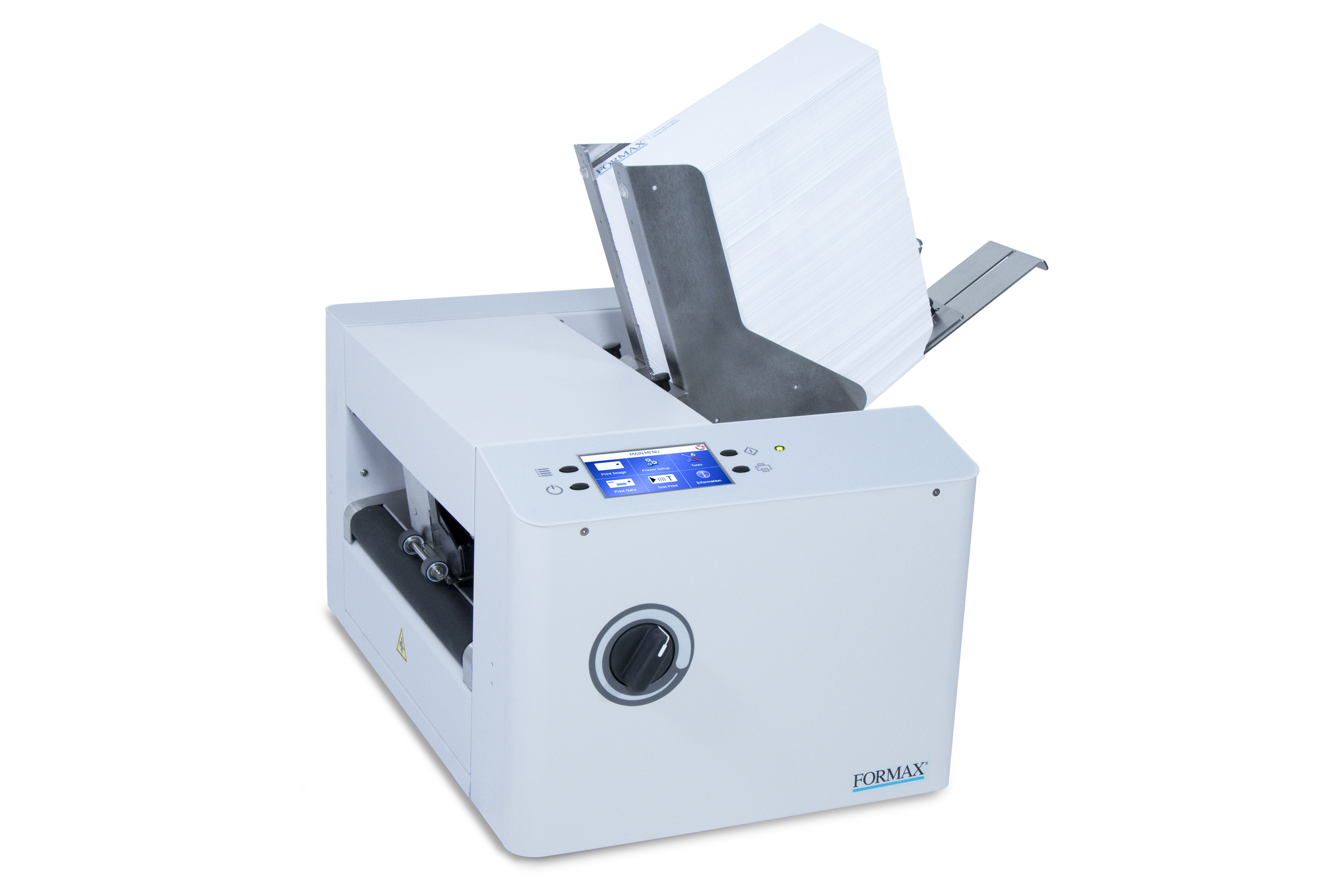
Mail Preparation
Addressing, tabbing, labeling, sorting, metering, permit mail, and postal preparation before the mail leaves your building.
Helps with postcards, flats, notices, daily outgoing mail, and larger mailing projects.
View Mail Preparation →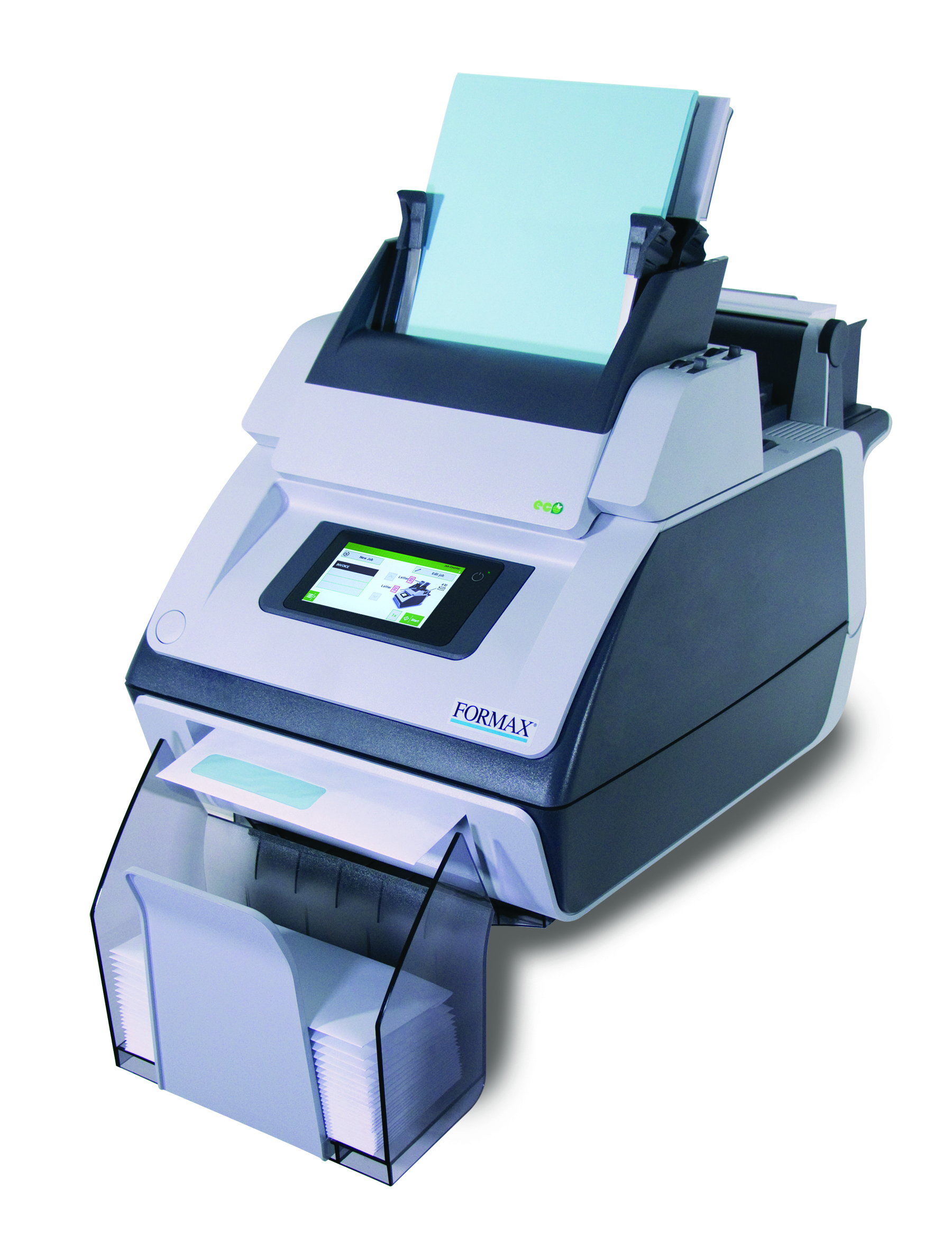
Envelope Inserters
Reduce hand-inserting for statements, invoices, letters, notices, checks, forms, and recurring customer communication.
Helps teams move from manual folding and stuffing to a repeatable mail process.
View Envelope Inserters →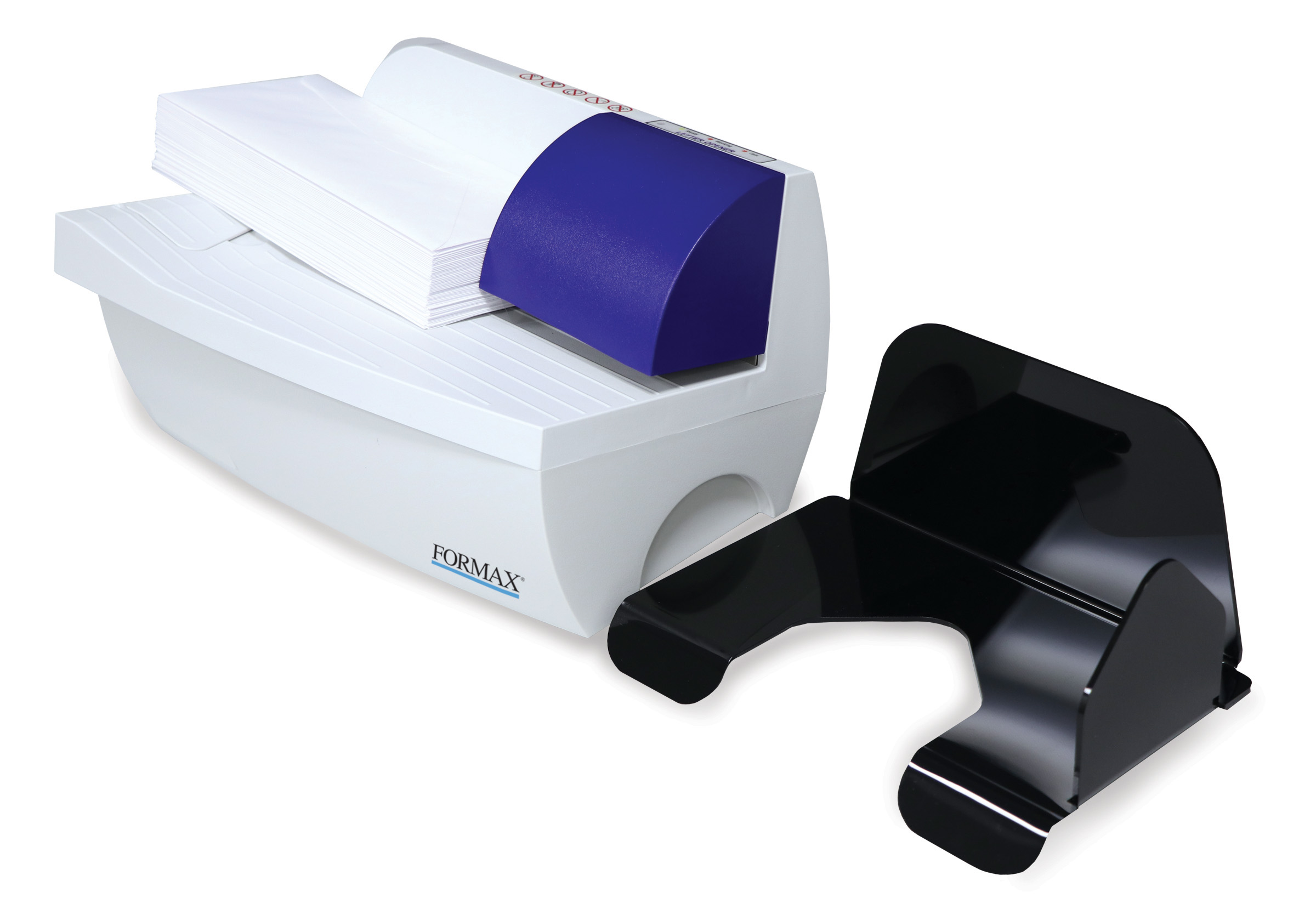
Envelope Openers
Speed up incoming mail, remittance, checks, customer forms, daily intake, and internal mail sorting.
Helps when incoming envelopes pile up or multiple people are opening mail by hand.
View Envelope Openers →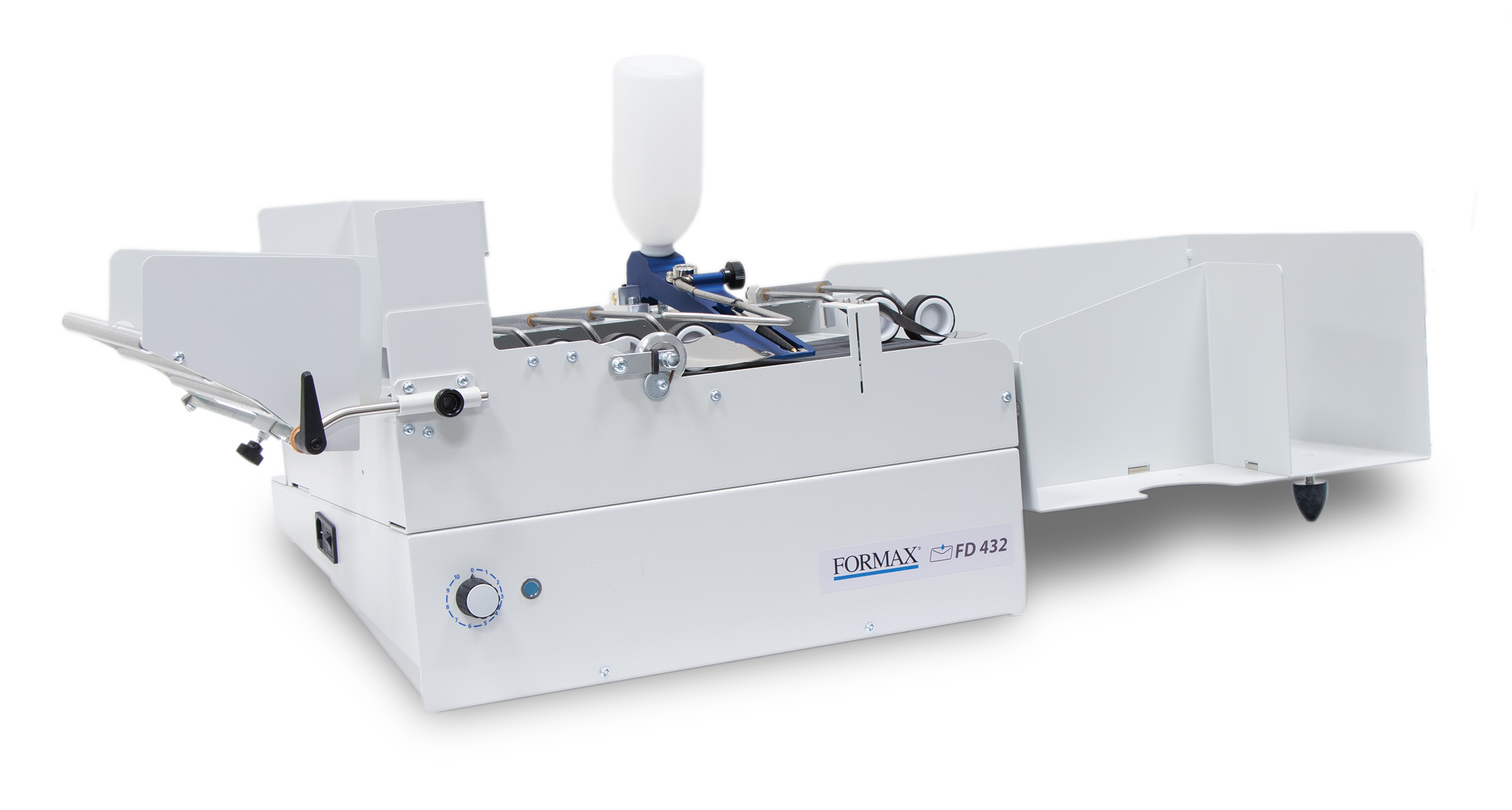
Envelope Sealers
Seal outgoing envelopes more consistently and reduce the hand work involved in daily or recurring mail.
Helps offices sending invoices, notices, statements, letters, or customer packets.
View Envelope Sealers →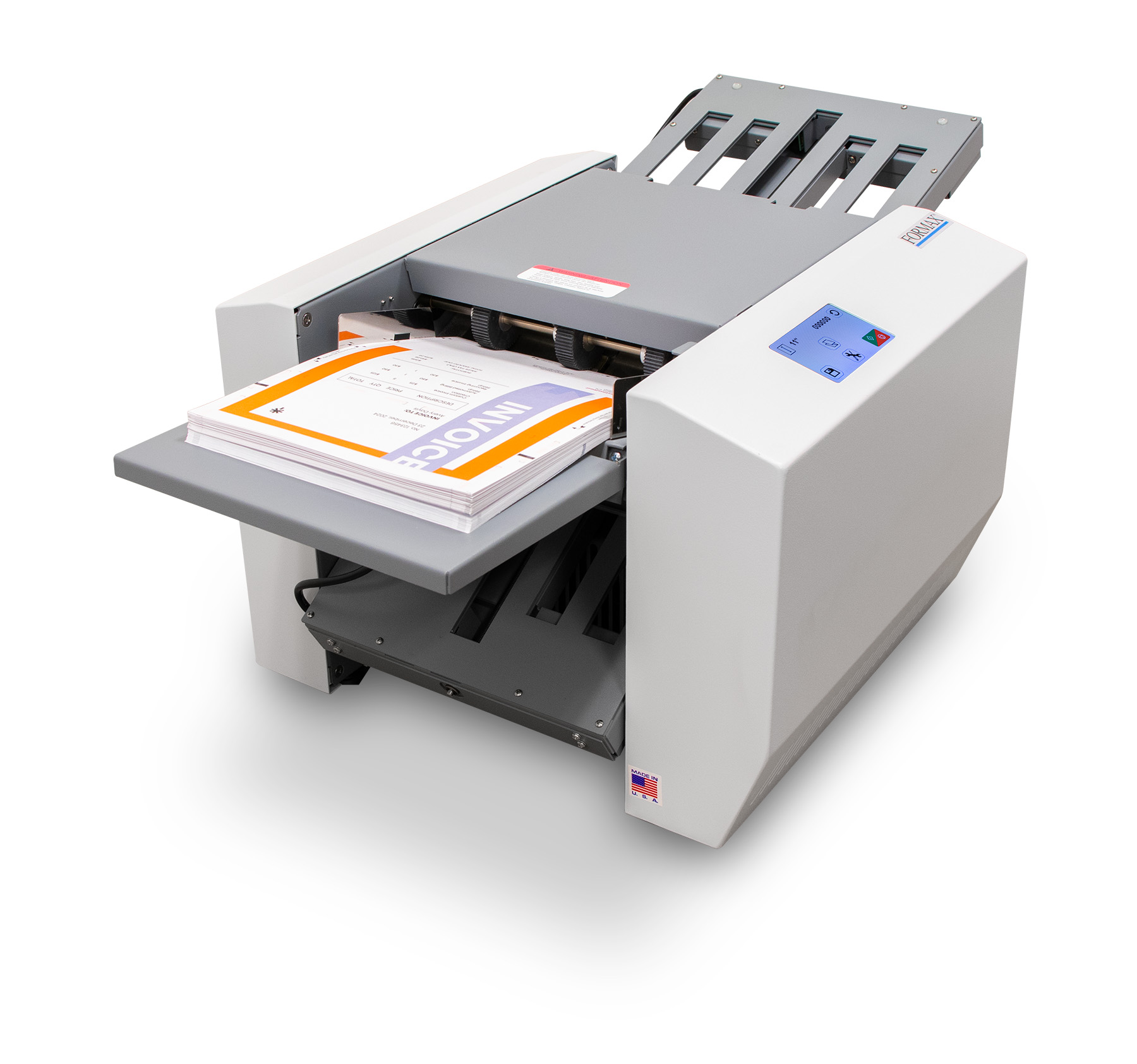
Pressure Seal
Review pressure seal forms for statements, checks, invoices, tax forms, notices, and recurring document mailings.
Helps reduce envelopes, inserting, sealing, and repeated handling on form-based mail.
View Pressure Seal →
Digital Print
Envelope printing, postcards, addressing, short-run color work, and pieces that move directly into mail preparation.
Helps connect printed pieces, addresses, lists, and mail preparation into one smoother workflow.
View Digital Print →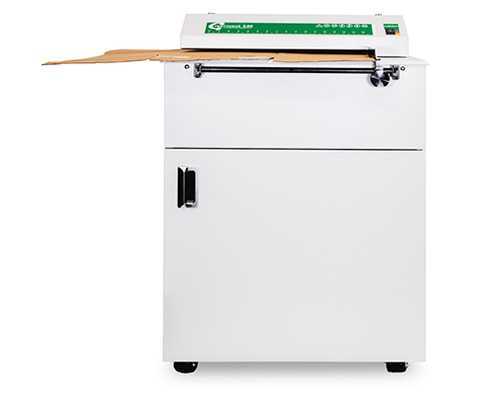
Greenwave Cardboard Converter
Turn used cardboard into useful packaging material for packing, shipping, void fill, and product protection.
Helps reduce waste and lower the cost of buying packing material.
View Greenwave →Supplies
Envelopes, labels, tabs, seals, pressure seal forms, ink, toner, shipping labels, and job materials.
Helps keep the workflow moving when the equipment is right but the materials are slowing things down.
View Supplies →Full Workflow Review
Review the full process when data, printing, mail preparation, shipping, supplies, equipment, and staffing all affect the final result.
Helps when the issue is not one machine, but the way the whole process connects.
View Consulting →Mailroom Review Process
A practical review of how your mail and shipping work moves.
The goal is to understand what your team is doing now, where the work slows down, and what would make the process easier, faster, or more reliable.
Review Your Current Process
Look at the mail pieces, packages, documents, supplies, equipment, software, and people involved in the workflow.
Identify Slow Steps
Find where folding, inserting, sealing, opening, labeling, sorting, shipping, supplies, or handling slows your team down.
Match the Options
Review equipment, supplies, software, forms, layout changes, or workflow adjustments that fit your actual volume and process.
Plan the Next Step
Decide whether you need equipment, supplies, workflow changes, data support, training, or a larger process review.
The right mailroom setup depends on your work.
A business mailing a few invoices each day does not need the same setup as a business producing thousands of statements, notices, packages, or customer communications.
The best recommendation depends on your volume, staff time, job types, supplies, space, data, and what has to happen before the mail or package leaves.
Mail & Shipping Planning Questions
The right answer starts with how the work is being done now.
What type of mail or packages do you process most often?
Which steps are still being done by hand?
Where does the work slow down, get repeated, or create errors?
Do you need equipment, supplies, data support, presort support, or a full workflow review?
Data Solutions Connection
Cleaner data can make your mailing process work better.
Address lists, customer records, invoices, statements, postcards, notices, and recurring mailings often start with the data file.
You can connect mail preparation with address cleanup, corrected files, move updates, duplicate review, undeliverable records, and presorted exports.
Supplies Matter Too
The right supplies help keep the work moving.
Envelopes, labels, tabs, seals, pressure seal forms, ink, toner, shipping labels, packaging supplies, and job materials all affect how smoothly the process runs.
If the equipment is right but the supplies are wrong, the workflow can still slow down.
Review your mailroom or shipping workflow.
Share what type of mail, packages, equipment, supplies, or workflow issue you are working with and Prairie to Peaks will help point you in the right direction.